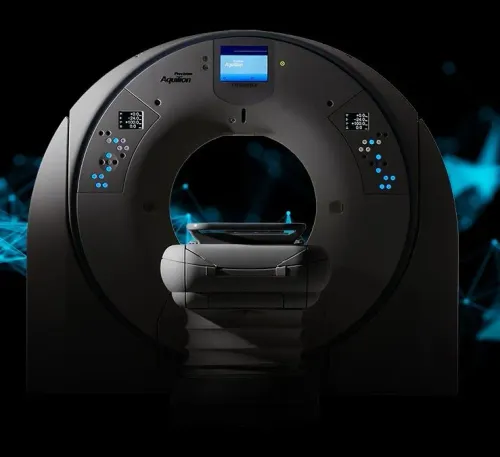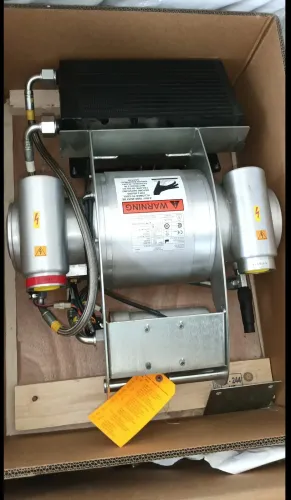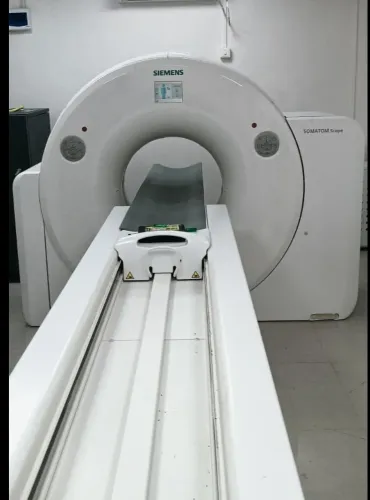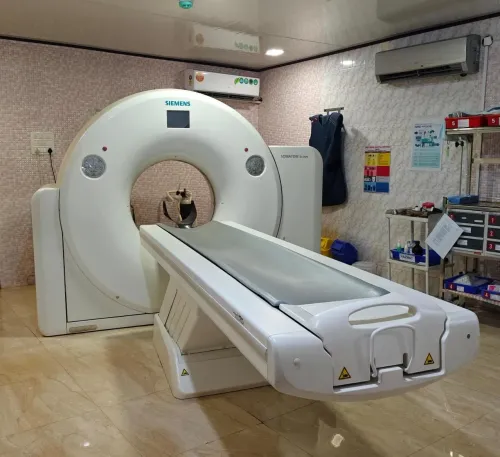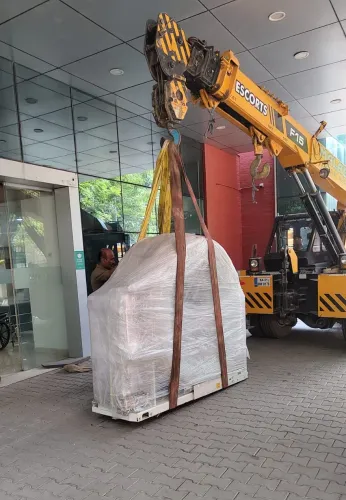

If you recently purchased a new to you piece of medical imaging equipment for your facility - congratulations! Now that your equipment is secure, it is time to install it.
Whether you're setting up at a new facility or undergoing construction at an existing one, following certain do's and don'ts will ensure a smooth and successful installation.
Below, we will explore essential do's and don'ts to consider when it comes to imaging equipment installation, to help set you up for success on your next imaging project.
DO:
Be Proactive in Your Planning:
First things first: creating an effective plan for installation. During this planning period, you will want to do the following:
1.Create an internal installation team: there are a few key team members to involve during your installation. Radiologists, technicians, and IT members will give perspective on their needs & what will make for a functioning imaging center/room.
2.Create a project timeline: keep yourself and your team out of the dark with a thorough project timeline. An installation timeline should include site preparation, delivery, installation, and testing
3.Identify utility needs: most installation projects work with facilities, maintenance, or utility providers to ensure electrical, HVAC, plumbing, and network needs are met.
DON’T:
Wait Until the Last Minute to Set up Your PACS Network
As with anything during an install, it’s a bad idea to leave PACS set up until the last minute. But why is that?
Setting up a PACS network requires some information that only your in-house IT staff will have. It’s best that they have the network ready to connect to your new imaging equipment before it delivers.
Schedule Patients Before the Install Is Complete
In a perfect world you could buy a system, set a date for the installation to finish, and begin scanning patients right away.
Unfortunately, things can come up. Contractors can encounter setbacks. Installers can encounter setbacks. Truckers can encounter setbacks. And, yes: YOU could even encounter a setback.
Medical imaging equipment is highly technical and highly sensitive. It sometimes takes a little extra muscle to get it to play nice. Mistakes equal delays, which equal broken schedules and upset patients. Wait to schedule patient scans until after your system is fully installed.
Ignore Requests for Information:
The installation team will want to maintain regular contact with you to make sure that their questions are answered. And rightfully so - if issues arise, you are the facility expert and should be able to jump in and help should bumps in the road come up.
Whether you're setting up at a new facility or undergoing construction at an existing one, following certain do's and don'ts will ensure a smooth and successful installation.
Below, we will explore essential do's and don'ts to consider when it comes to imaging equipment installation, to help set you up for success on your next imaging project.
DO:
Be Proactive in Your Planning:
First things first: creating an effective plan for installation. During this planning period, you will want to do the following:
1.Create an internal installation team: there are a few key team members to involve during your installation. Radiologists, technicians, and IT members will give perspective on their needs & what will make for a functioning imaging center/room.
2.Create a project timeline: keep yourself and your team out of the dark with a thorough project timeline. An installation timeline should include site preparation, delivery, installation, and testing
3.Identify utility needs: most installation projects work with facilities, maintenance, or utility providers to ensure electrical, HVAC, plumbing, and network needs are met.
DON’T:
Wait Until the Last Minute to Set up Your PACS Network
As with anything during an install, it’s a bad idea to leave PACS set up until the last minute. But why is that?
Setting up a PACS network requires some information that only your in-house IT staff will have. It’s best that they have the network ready to connect to your new imaging equipment before it delivers.
Schedule Patients Before the Install Is Complete
In a perfect world you could buy a system, set a date for the installation to finish, and begin scanning patients right away.
Unfortunately, things can come up. Contractors can encounter setbacks. Installers can encounter setbacks. Truckers can encounter setbacks. And, yes: YOU could even encounter a setback.
Medical imaging equipment is highly technical and highly sensitive. It sometimes takes a little extra muscle to get it to play nice. Mistakes equal delays, which equal broken schedules and upset patients. Wait to schedule patient scans until after your system is fully installed.
Ignore Requests for Information:
The installation team will want to maintain regular contact with you to make sure that their questions are answered. And rightfully so - if issues arise, you are the facility expert and should be able to jump in and help should bumps in the road come up.
Keywords